
Your own race engineer, on call every lap.
SimTuner builds a setup for your car, track and conditions — then uses your feedback to tune it, change by change, until it suits the way you drive.
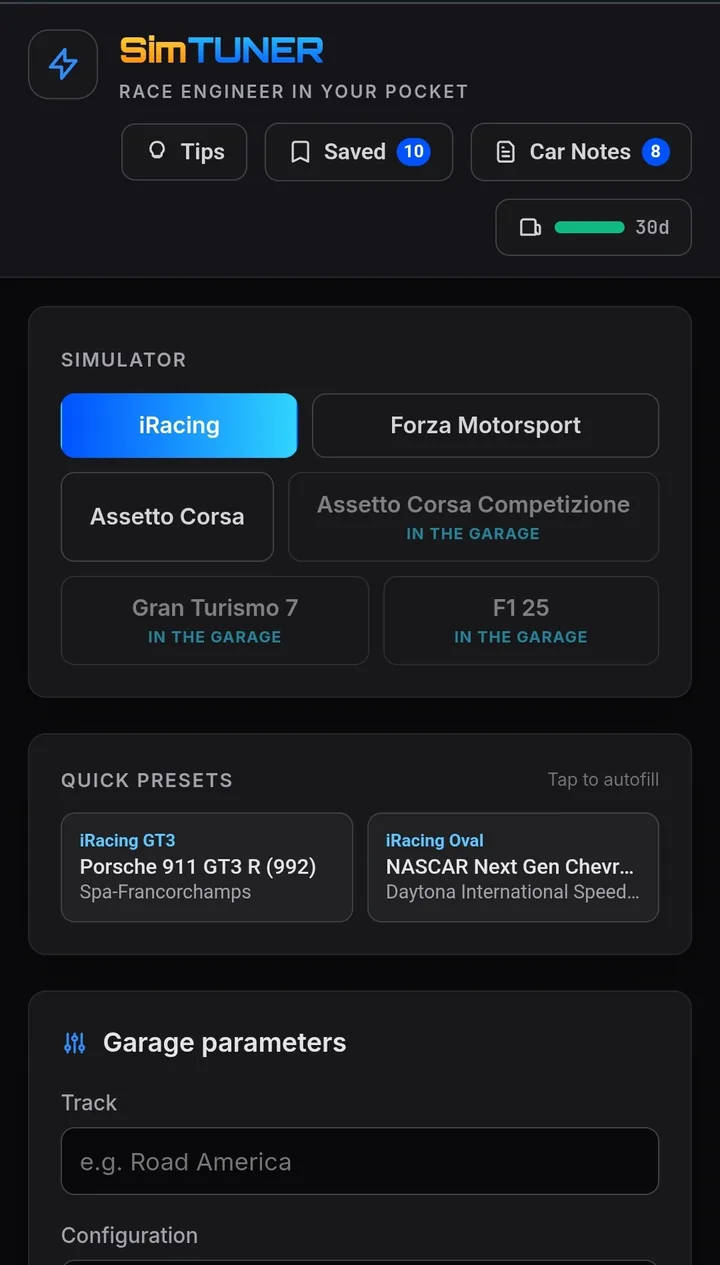
iRacingForza MotorsportAssetto Corsa
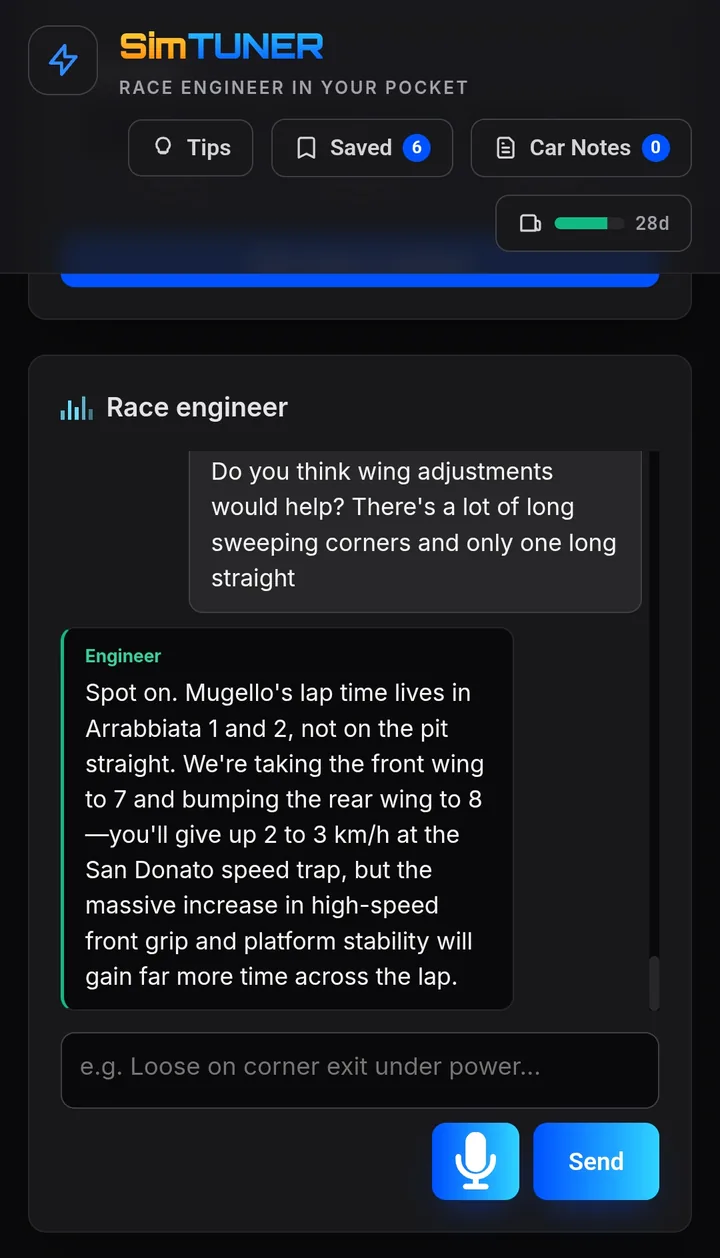
Talk to SimTuner the way you'd talk to a real engineer on the pit wall. It answers with specific clicks and steps inside your car's real ranges, and tells you what each change gives up. Because every change comes from your input, the setup ends up built around your driving style, not a one-size-fits-all baseline.
No setup sheets to decode. You drive, you describe, the engineer does the maths.
Choose the sim, car, track and weather, then a style: Aggressive, Balanced or Safe.
The engineer builds a full setup using your car's real adjustment ranges from its spec sheet.
Run a few laps and tell it how the car feels — typed or by voice. Add tire pressures and temps.
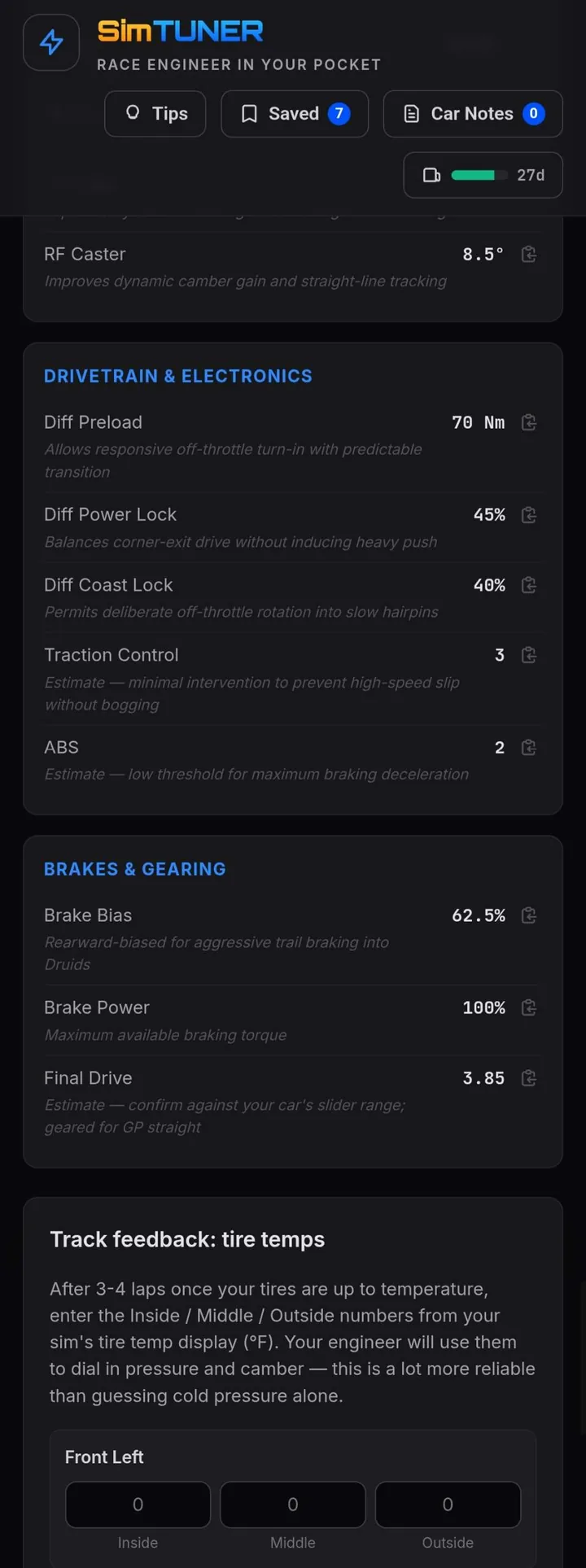
Each change comes with what it gains, what it costs and what to watch for on the next run.
Runs in your browser on PC, phone or tablet, and installs to your home screen like an app.
Swipe to see more →
Enter each setting's min, max and step once per car. The engineer works inside your car's real limits, not guesses.
Starts on the sim's default pressures, then dials them in from your cold, hot and inside/middle/outside readings.
Aggressive, Balanced or Safe — each a legitimate point on the car's range, not a shortcut to less grip.
Use voice input between runs to tell the engineer what the car is doing, without leaving the rig.
Keep your best setups, and back up or move your spec sheets and notes to another device.
No black box. You see each adjustment, the reason for it and the trade-off, so you learn as you go.
SimTuner works like a real engineer: it's only as good as the information you give it. Read this before your first session.
Set a few clean, consistent laps before you start tuning. If your lap times swing by a second, the engineer can't tell a setup change from a driving change.
The baseline may not beat your current lap time straight away. The gains come from the back-and-forth that follows.
The quality of your feedback is what makes the setup fast. Say what happens, in which part of the corner. For example:
Enter the car's setting ranges once, straight from your setup screen. It's the single biggest step toward an accurate setup.
Each plan includes a monthly engineer budget — enough for roughly N setups a month. The exact number depends on how much you talk with the engineer per setup.
Run out before the month ends? Buy a one-time top-up. Paid credits stay in your account until you use them.
Spec sheets and notes are saved on your device. Clearing your browser data erases them, so use the backup feature.
Every plan gets the full engineer on every sim. The difference is how much engineer time you get each month.
Your regular car-and-track combos, a few sessions a week.
Billed monthly. Cancel anytime.
Lots of cars and tracks, long engineer sessions, or league racing.
Yearly only — works out to $16.67 a month.
Not sure? Start on Base monthly. If you keep running out of budget, upgrade to Pro anytime — your unused budget comes with you.
For the busy weeks — a big race weekend, a new car, or winter league season. Top-ups are one-time, non-refundable purchases for active subscribers, and they never expire. Topping up most months? Pro gives you more budget for less.
Prices in USD; sales tax may be added at checkout. Monthly plans renew monthly and yearly plans renew yearly at the same price — cancel anytime before renewal. Full refund within 14 days of your first plan purchase. Top-ups are non-refundable.
iRacing, Forza Motorsport and the original Assetto Corsa. Assetto Corsa Competizione isn't supported yet.
No. SimTuner runs in your web browser on PC, phone or tablet. Use "Add to Home Screen" to install it like an app.
Sometimes, but not always. The first setup is a solid baseline. The real gains come from refining it with the engineer as you report how the car behaves.
Not on a dry track. Grip and balance problems are solved with setup changes. Compound advice only comes up for wet or dirt conditions, or extreme temperatures.
Your plan budget refills at the start of each month. If you need more before then, add a top-up from inside the app — top-ups never expire. If you run out often, Pro gives you three times the budget for less per setup.
Yes. The engineer uses AI, guided by SimTuner's own racing-physics rules and extensive research into car components and setup. It works only inside your car's real adjustment ranges from your spec sheet, explains every change and its trade-off, and is tuned by your feedback on track.
Yes. Back up your spec sheets, notes and saved setups, then restore them on your other device.